
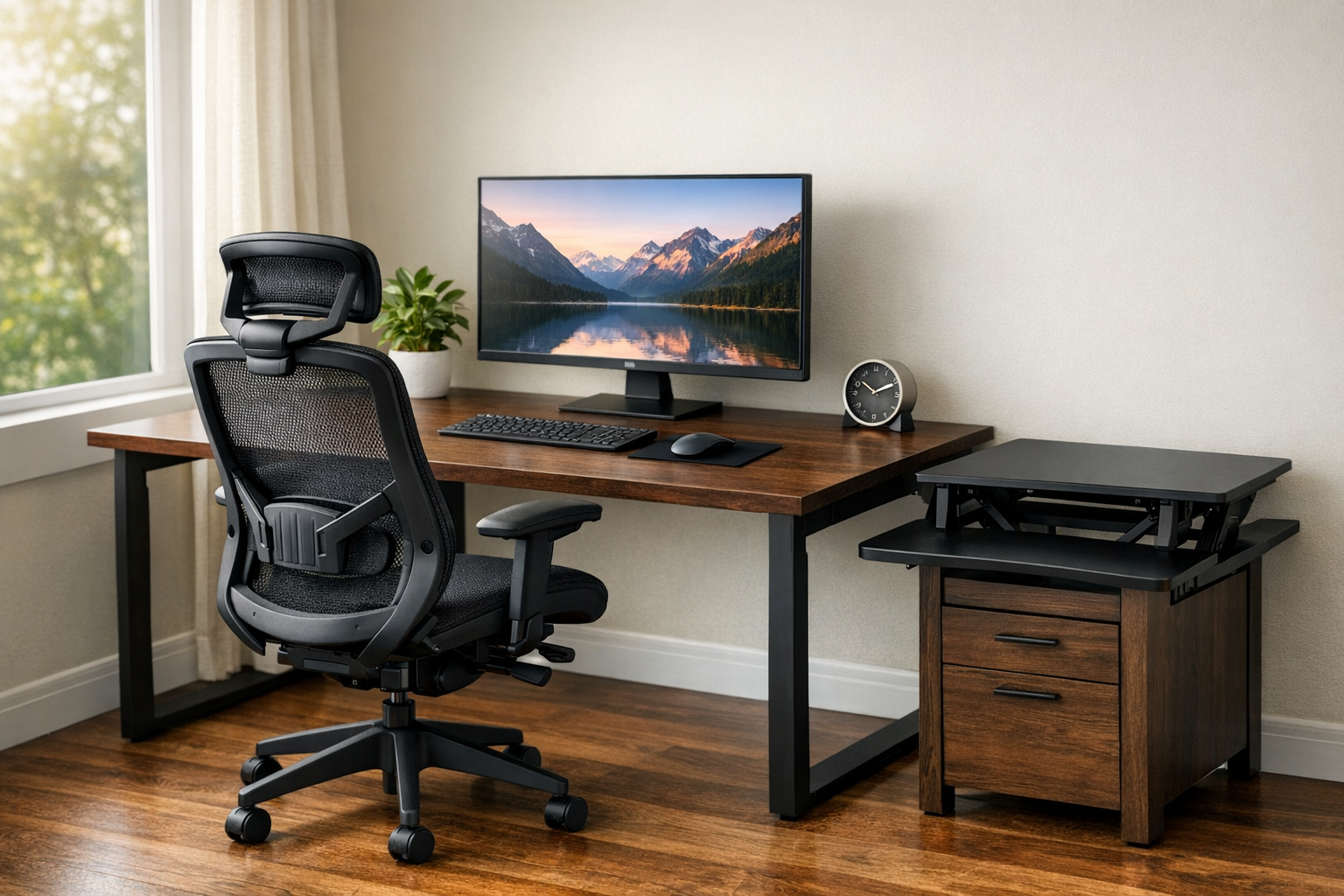
For many employees, office discomfort does not start with a major injury. It starts with smaller, repeated problems:
a chair that does not fit correctly, a desk set too high, arms unsupported through hours of typing, or long periods of sitting without enough movement. Over time, those conditions can contribute to fatigue, distraction, and musculoskeletal discomfort in areas like the neck, shoulders, back, wrists, and hips.
"Ergonomics can help reduce or eliminate work-related musculoskeletal disorders (WMSDs) and other injuries and improve safety." NIOSH
Why ergonomic office furniture matters
Ergonomic office furniture helps reduce the mismatch between a person’s body and the way they work. In practice, that means giving users the ability to adjust seating height, back support, arm position, work surface height, and screen position so the workstation can better fit the individual rather than forcing the individual to adapt to poor furniture.
"Increased adjustability ensures a better fit for the user, provides adequate support in a variety of sitting postures, and allows variability of sitting positions throughout the workday. This is particularly important if the chair has multiple users."OSHA
This matters because office work is often sedentary and repetitive. Research has consistently linked long periods of sitting and static postures with musculoskeletal complaints, especially in the neck, shoulders, back, and upper extremities. A 2024 review on sitting and working furniture ergonomics found that furniture design and adjustability are central themes in how researchers assess workstation ergonomics, while recent office-worker studies continue to show associations between prolonged sitting and discomfort. PNC
What the research says
The research does not suggest that buying any one new chair automatically solves every workplace discomfort issue. What it does show is that ergonomic improvements can help, especially when paired with training, workstation setup, and behavior changes.
A well-cited field study found that office ergonomics training combined with a highly adjustable chair improved worker knowledge, behavior, and musculoskeletal risk more than training alone or no intervention. Related reporting on that intervention also noted productivity gains in the group that received both training and the adjustable chair.
A review focused specifically on chair interventions concluded that there is some evidence that chair changes can reduce musculoskeletal symptoms, but also noted that the quality and consistency of the evidence varies. That is an important takeaway for customers: the best results usually come from matching the chair to the user and the task, not simply choosing the most expensive model.
Research on sit-stand desks points in a similar direction. Reviews suggest they can reduce workplace sitting time in the short to medium term, but evidence for long-term outcomes and broader performance effects is still mixed. That makes them useful tools, but best viewed as one part of a larger ergonomic strategy rather than a standalone answer.
There is also evidence that movement matters. OSHA advises workers to change positions frequently, and NIOSH notes that periodic rest breaks and posture changes can help reduce discomfort and eyestrain. A Cochrane review on break schedules found that break structure may influence musculoskeletal symptom prevention, although evidence quality varies across studies.
Common workplace problems ergonomic furniture can help address
1. Poor lower-back and postural support
When a chair does not support the natural curve of the back or cannot be adjusted correctly, employees often compensate by slouching, perching, or leaning forward. Over time, that can increase discomfort and fatigue. OSHA identifies the backrest, seat, armrests, and base as key chair features to evaluate, and emphasizes the importance of trying out different chairs before purchasing.
2. Shoulder, neck, and arm strain
If armrests are too high, too low, too wide, or absent altogether, users may hold tension in the shoulders for long periods. Likewise, poor monitor height can push the neck into prolonged flexion or extension. OSHA’s workstation guidance repeatedly centers neutral posture and fit across the whole station, not just the chair.
3. Long periods of static sitting
Even a well-designed chair is not meant to keep someone frozen in one position all day. OSHA recommends frequent position changes, and NIOSH highlights the benefit of breaks and posture variation. This is why ergonomic programs increasingly focus on both support and movement.
4. One-size-fits-all workstations
The same workstation may be used by people of different heights, body types, and work styles. OSHA explicitly notes that there is no single correct posture or arrangement that fits everyone, which is why adjustability is so important.
What to look for in ergonomic furniture
For seating, the most research-aligned features are not flashy extras; they are the fundamentals that allow better fit and posture variation. OSHA recommends evaluating the backrest, seat, armrests, and base, and specifically calls out adjustability as essential.
A practical buyer checklist would include:
- seat height adjustability
- back support and recline support
- arm adjustability
- stable base and mobility appropriate to the flooring
- fit for the user population
- suitability for the actual task, not just appearance
For workstations more broadly, organizations should also consider desk height, monitor placement, keyboard and mouse positioning, and whether the employee needs more flexibility to alternate posture throughout the day. OSHA and NIOSH both frame ergonomics as a workstation-wide issue rather than a single-product issue.
Conclusion
Ergonomic office furniture matters because it helps create a better fit between people and the work they do every day. The research does not support a one-product-fixes-all mindset. Instead, it points toward a more effective formula: adjustable furniture, better workstation fit, training on how to use it, and regular posture change throughout the day. That is the message customers can trust, and it is also the message sales teams can use with confidence.
WD Recommendations
For customers looking for practical ergonomic seating options, WD recommends the following HON chairs based on the same principles outlined above: adjustability, support, breathability, and fit for the user and task.
HON Nucleus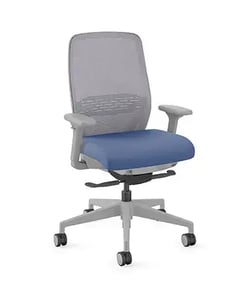
Nucleus is a strong fit for organizations that want ergonomic support with a clean, design-forward chair. It has adjustable arms, lumbar support, easy-to-reach controls, 4-way stretch mesh back, and a deep-cushion seat designed for more even weight distribution. This makes it a strong recommendation for users who want intuitive all-day comfort and airflow without overcomplicating the seating experience.
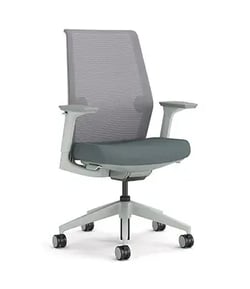
Cipher is a great recommendation for workplaces that need flexibility across different users and workstyles. It offers independent lumbar support, breathable 4-way stretch mesh, and weight-activated functionality, adjustable seat height and seat depth as standard features, with adjustable arms and lumbar available. This makes Cipher a smart option when customizations and a more tailored fit are priorities.
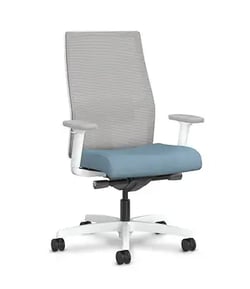
Ignition 2.0 is a dependable all-around ergonomic task chair for general office use. We recommend the Ignition 2.0 for all-day support. It features synchro-tilt, seat slider, adjustable lumbar support, and height- and width-adjustable arms. Those features make it an easy WD recommendation for customers who want broad adjustability and a chair that can accommodate a wide range of users throughout the workday.